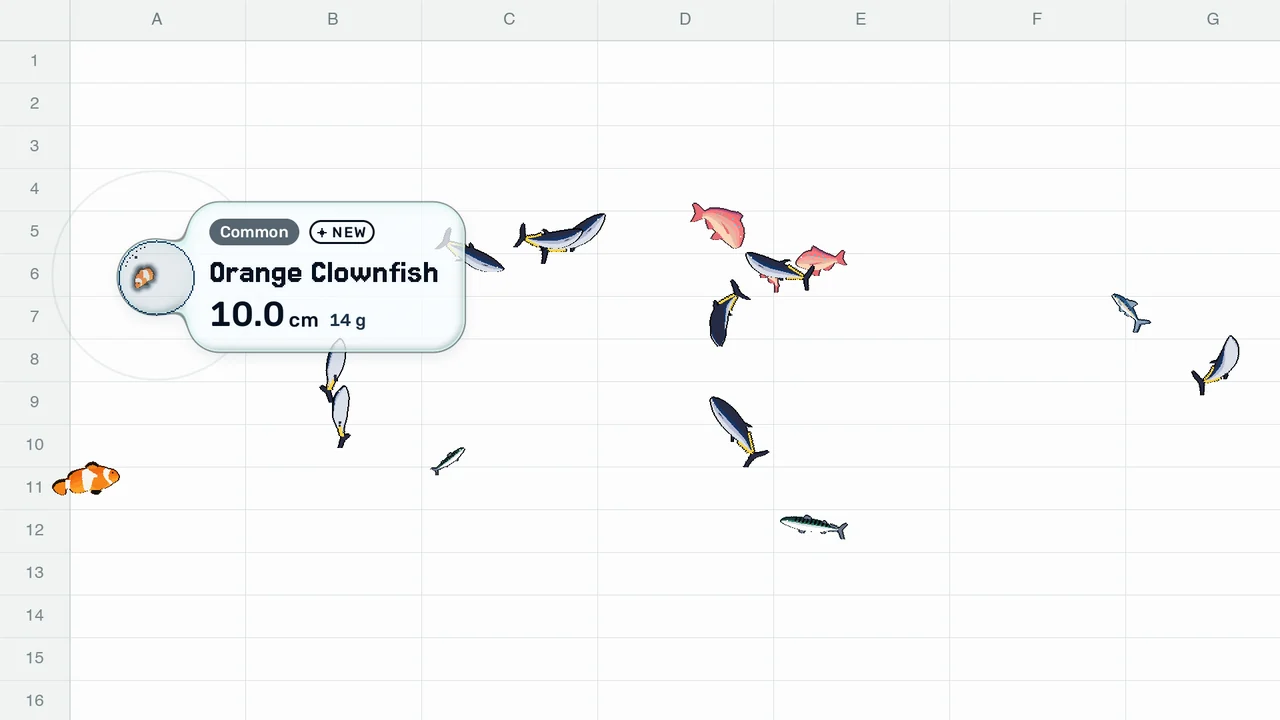
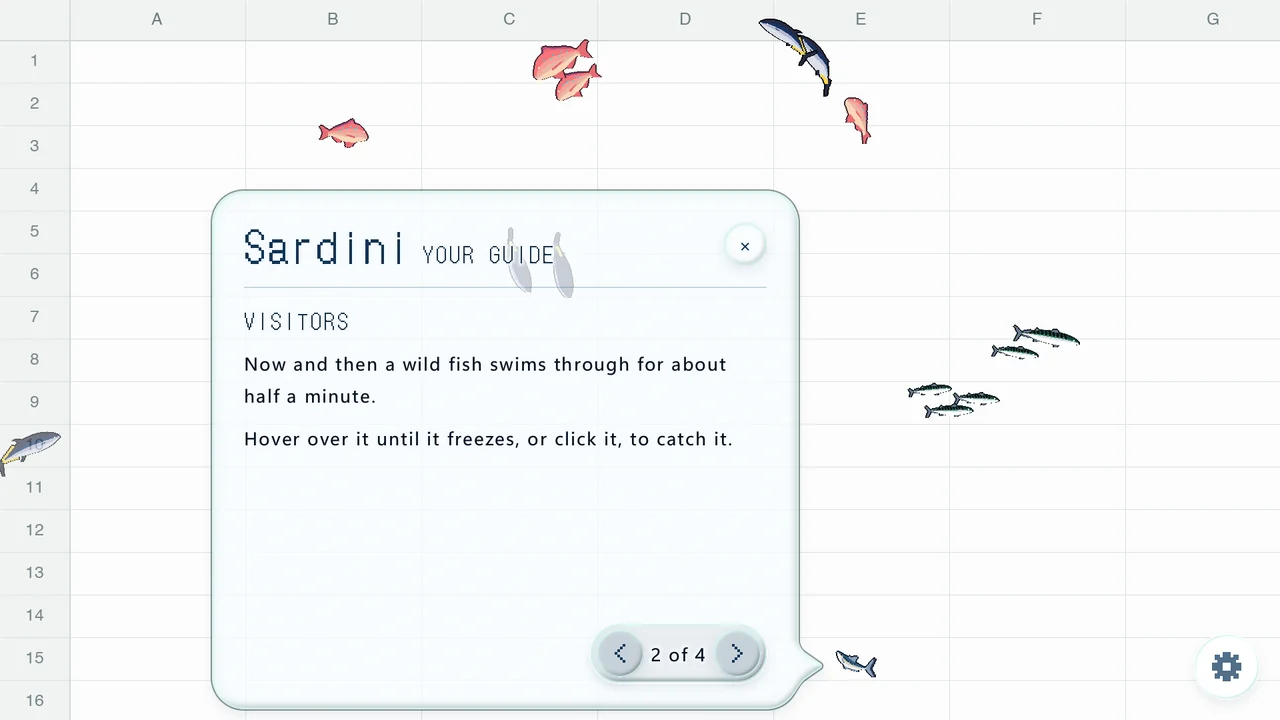
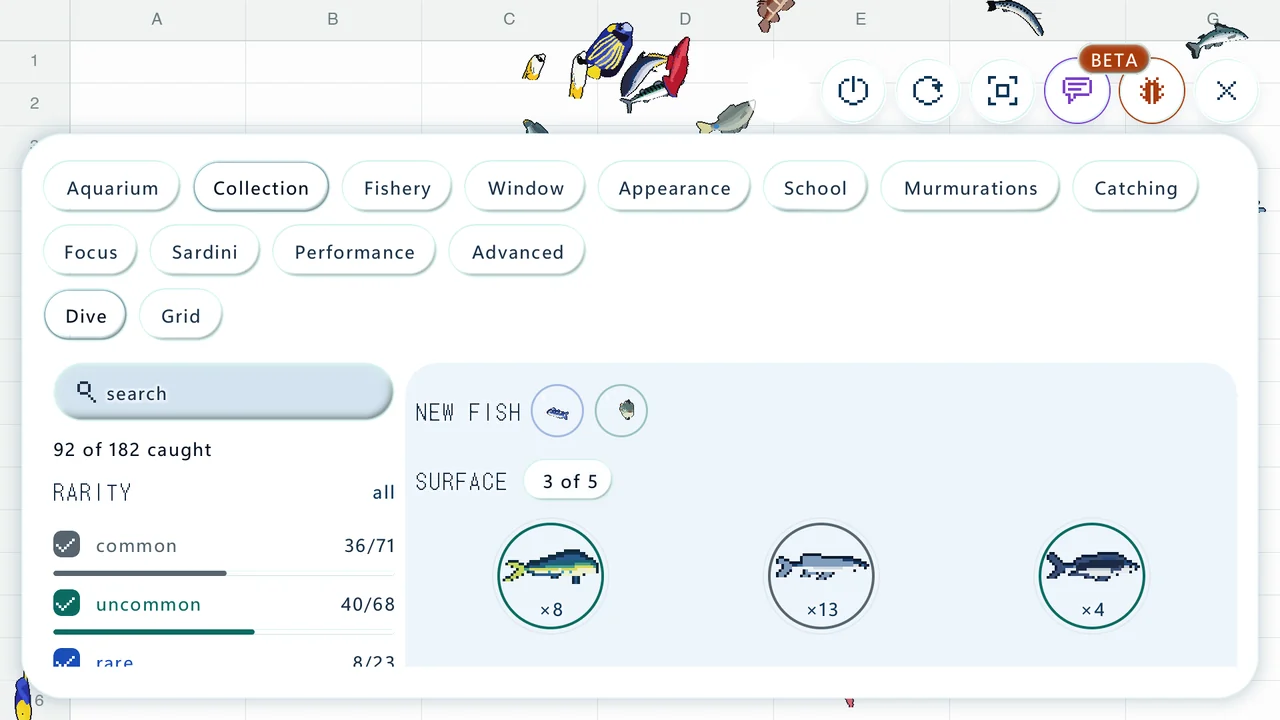
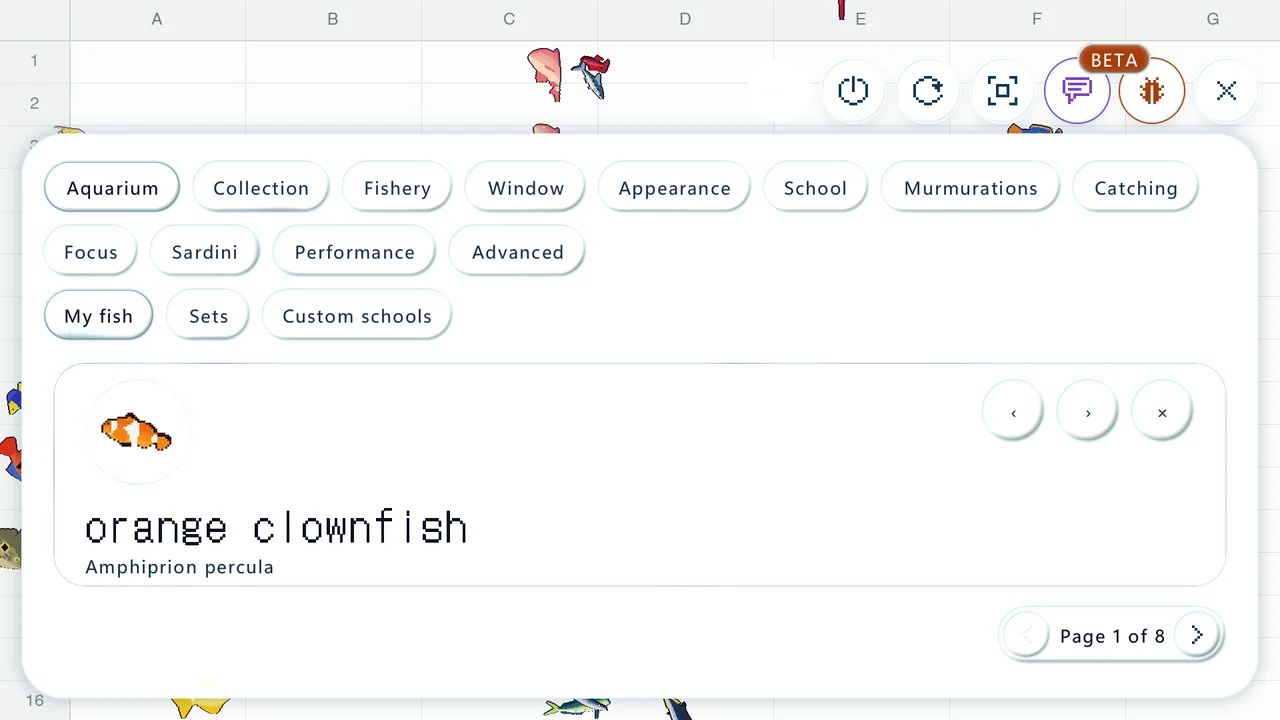
Hover until it freezes. It joins your school.Sardini shows you round.Every catch, kept in the collection.Real species, drawn in pixels.
How it plays
StepWhat happensWhen
1A wild fish swims in.Now and then, while you work.
2Rest the pointer on it.Hold still until it freezes.
3It joins your school.Then it swims with the rest.
Questions
Is it free?
Yes, Indoor Fins is free on Mac and Windows.
What does it run on?
Indoor Fins runs on macOS 13 or newer, or Windows 10 or 11 with Direct3D 12 graphics. It doesn't run on phones.
Do I have to click anything?
You don't have to click to catch fish in Indoor Fins. Rest your pointer on one and stay with it when it darts. Once it freezes, it's yours. The menus work with a hover too. A few things wait for a real click, like Open at login, so you can't turn them on by accident.
Will it get in the way while I work?
The fish float over your windows and your clicks go straight through to your apps. Only the game's own menu and buttons take a click. You can make the fish hold still or swim away for a while from the cog. On Windows they show over windowed and borderless games, but not a game in exclusive full screen.
Does it track me?
No. Indoor Fins keeps your fish on your computer and sends us nothing about you unless you write a feedback report and press Send.
Why does Windows warn me?
Windows warns about new downloads it hasn't seen much of yet. If it says it protected your PC, choose More info, then Run anyway.
How do I update?
Quit the old one from its icon in the menu bar or tray, then download the new one from this page. On a Mac, open it and let Sardini move it into Applications. On Windows, unzip it and open indoor-fins.exe. Your fish come with you.
What's new
Version 0.8, live
Settings has a new General page up front, with the window options that used to sit on Window
Sardini's tour is shorter and simpler
Sardini helps out as things happen
Mute Sardini or bring the guide back from the first Settings page
Big fish no longer go blocky when the game saves power
Visitors and chests still come while other windows cover the tank and you are at the computer, and one visitor waits there for you
Open at login, adapt to desktop, the connectors and moving to Applications wait for a click: resting on them no longer turns them on
The Collection's cards fill in what each real fish eats, and other missing facts, from checked sources, and a fact no one has recorded shows ???